
Apple has finally made a touchscreen Mac. At its “Pro and tell” event in Los Angeles on Oct. 28, 2026, the company unveiled a new MacBook Pro with a PROLED XDR display, a tandem OLED screen that responds to touch, plus a Dynamic Island borrowed from the iPhone. Pre-orders are open now, the laptops arrive Friday, Nov. 6, and prices start at $2,899 for the 14-inch and $3,399 for the 16-inch model, according to Apple’s announcement.
That’s a big premium over the MacBook Pros Apple keeps selling alongside it, so here’s what you actually get, how it compares with the cheaper models, and who should (and shouldn’t) pre-order.
Touchscreen MacBook Pro at a glance
- Announced: Oct. 28, 2026
- Pre-orders: Open now on apple.com and the Apple Store app in 30 countries and regions, including the U.S.
- Release date: Friday, Nov. 6, 2026, in stores and for deliveries
- Starting price: $2,899 (14-inch) and $3,399 (16-inch)
- Chips: M5 Pro or M5 Max, with up to 128GB of unified memory and up to 16TB of storage
- Battery: Up to 24 hours, per Apple
- Weight: 3 pounds (14-inch) and 4 pounds (16-inch)
What’s new about the display
The headline feature is the screen. Apple calls it PROLED XDR, and it uses tandem OLED, meaning two light-emitting layers stacked together for higher brightness and a longer panel life than a standard OLED. Apple says it reaches up to 2,000 nits of peak brightness for both HDR and regular content, with a 10,000,000:1 contrast ratio and a refresh rate that adapts from 10Hz to 120Hz.
According to Apple’s technical specifications and display white paper, the panels cover both the P3 and Adobe RGB color spaces, which matters to photographers and print designers. Apple also says a display engine in the M5 Pro and M5 Max chips adjusts every pixel in real time to keep brightness even and protect the panel over time, which is its answer to the burn-in worries that have long followed OLED screens. A nano-texture glass option is available for people who work in harsh light.
Thinner borders also grow the screens slightly, to 14.2 inches and 16.3 inches. And the notch is gone, replaced by a Dynamic Island.
How touch works on the Mac
Apple says the touch sensor is built directly into the display panel instead of sitting on top of it, which it claims cuts latency. You can swipe to scroll a web page, pinch to zoom on a photo, drag slides between presentations, double-tap a window to fill the screen, or flick it to tile it into place. A redesigned hinge is meant to keep the screen steadier when you tap it.
Your existing apps don’t need an update to work. Apple says macOS automatically translates touches into clicks, while a new set of gesture tools lets developers build touch-specific features. Apple lists Microsoft Word, Excel, PowerPoint and Outlook, Zoom, Notion, Canva, Adobe Lightroom, DaVinci Resolve and Blender among the third-party apps adding touch support, and says some of those will arrive later this year.
It’s a sharp turn for a company that spent years dismissing the idea. As The Verge points out, Tim Cook joked in 2012 that you could “converge a toaster and a refrigerator,” but the result probably wouldn’t please users.
The Dynamic Island comes to Mac
The pill-shaped cutout at the top of the screen now hosts Spotlight search, Live Activities and Siri AI. Like on iPhone, you can tap it to answer a call, control music or accept an AirDrop. If you’ve just picked up Apple’s foldable, it will feel familiar; see our iPhone Duo review of price, specs and battery life.
Other upgrades worth knowing
- Lighter and thinner: The 14-inch model is half a pound lighter than before, and the 16-inch is 0.7 pounds lighter. Apple says the 16-inch is nearly a millimeter thinner.
- Glowing Apple logo: The illuminated logo on the lid is back after roughly a decade.
- Better speakers: A redesigned six-speaker system with what Apple says is 50 percent deeper bass, plus tuning for when the lid is closed and you’re using an external monitor.
- Ports: Three Thunderbolt 5 ports, HDMI, an SD card slot, MagSafe 3 and a headphone jack. M5 Pro models drive three external displays and M5 Max models drive four, per The Verge.
- Wireless and charging: Wi-Fi 7, Bluetooth 6, and fast charging to 50 percent in about 30 minutes, according to MacRumors.
One thing that didn’t change is the chip. These laptops use the same M5 Pro and M5 Max processors Apple introduced in March, though with a redesigned cooling system that pushes warm air away from the display.
Price: how it compares with other MacBook Pros
Apple isn’t replacing its current lineup. It’s selling the OLED models next to the older mini-LED ones, which makes the choice a bit confusing. Here’s how starting prices line up, based on Apple’s announcements and MacRumors’ buyer’s guide:
| Model | Display | Starting price |
|---|---|---|
| 14-inch MacBook Pro, M6 | Mini-LED, no touch | $1,999 |
| 14-inch MacBook Pro, M5 Pro | Mini-LED, no touch | $2,499 |
| 14-inch MacBook Pro, M5 Pro | PROLED XDR touchscreen | $2,899 |
| 16-inch MacBook Pro, M5 Pro | Mini-LED, no touch | $2,999 |
| 16-inch MacBook Pro, M5 Pro | PROLED XDR touchscreen | $3,399 |
In other words, the touchscreen and OLED panel add about $400 over the same-size mini-LED model with the same chip. At the very top, The Verge reports that a fully loaded touchscreen MacBook Pro costs $14,549. The new M6 14-inch model, announced a day earlier, keeps the old design and starts at $1,999, or $1,899 with education pricing, according to Apple.
Should you buy the touchscreen MacBook Pro?
It makes sense if you
- Edit photos or video, grade color, or work in HDR and want the best laptop screen Apple sells.
- Draw, design or build 3D models and like the idea of using the whole screen instead of the trackpad.
- Build iPhone and iPad apps and want to test touch right on your laptop.
- Were already planning to buy an M5 Pro or M5 Max model and can stretch $400 more for a lighter, brighter machine.
You can probably skip it if you
- Mostly browse, write, stream and video-chat. The $1,999 M6 model, or a MacBook Air, will handle that for far less.
- Don’t want to be a first-generation buyer. New hardware sometimes has early issues, as owners of Apple’s first foldable found out; see our guide to what to do if your iPhone Duo screen is cracking.
- Can wait for reviews. Shipping starts Nov. 6, and independent tests of battery life and touch accuracy will follow soon after.
How to pre-order and save
You can pre-order on apple.com, in the Apple Store app, or from authorized resellers. Apple offers a few ways to cut the cost:
- Trade in your current computer for credit at Apple’s trade-in page.
- Education pricing is available year-round to college students and educators.
- Apple Card Monthly Installments let U.S. buyers pay over time at 0 percent APR with 3 percent Daily Cash back.
- Retailer promos: MacRumors reports Best Buy is offering bonus gift cards of up to $100 with pre-orders. Check current terms before you buy.
If you plan to move your work files over, it’s also a good moment to make sure your other software is up to date. Website owners, for example, should check our guide on patching the PHP2Shell flaw on WordPress sites.
FAQ
When does the touchscreen MacBook Pro come out?
Pre-orders opened Oct. 28, 2026. Deliveries and in-store availability begin Friday, Nov. 6, 2026.
How much is the touchscreen MacBook Pro?
It starts at $2,899 for the 14-inch model and $3,399 for the 16-inch model in the U.S. A fully configured model costs $14,549, according to The Verge.
Does the new MacBook Pro have the M6 chip?
No. The touchscreen models use M5 Pro or M5 Max. The M6 chip is in the separate 14-inch MacBook Pro that starts at $1,999 and has a mini-LED screen without touch.
Do all Mac apps work with touch?
Apple says many existing apps work right away because macOS turns taps into clicks. Apps can add deeper touch features through Apple’s updated gesture tools.
Is the touchscreen MacBook Pro worth it over the regular model?
For creative pros who value the display, the roughly $400 premium buys a brighter OLED screen, touch, and a lighter body. For everyday use, the cheaper mini-LED or M6 models are the better value.
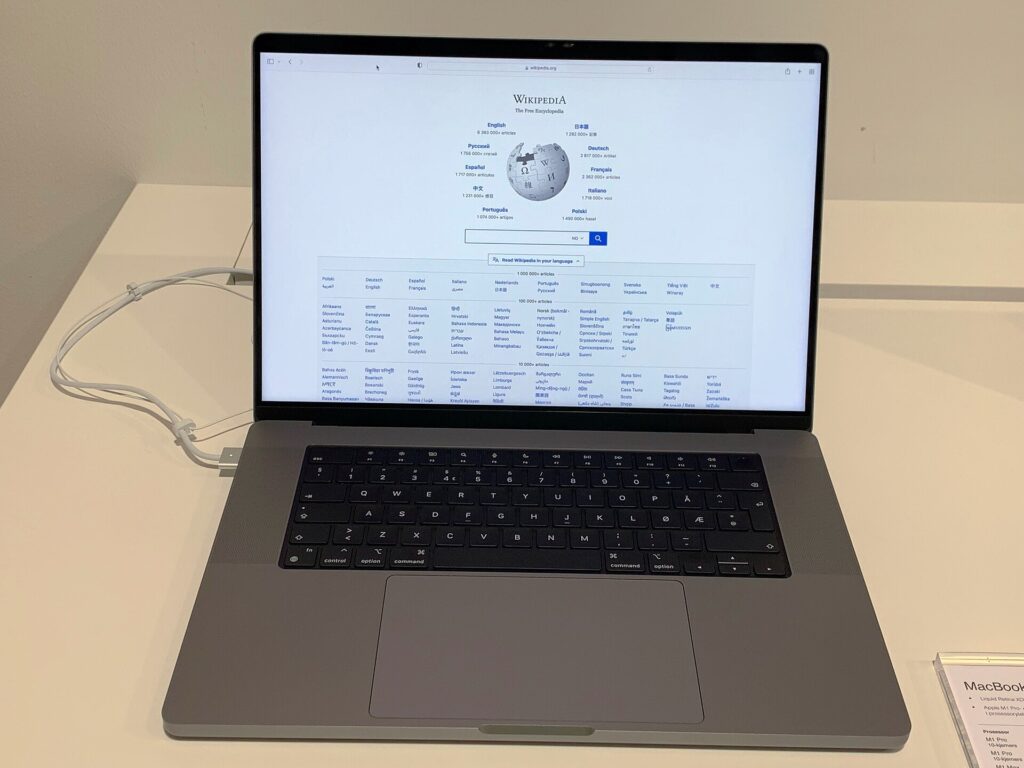
Featured image: An earlier-generation 16-inch MacBook Pro (2021), shown for reference. Photo by Premeditated via Wikimedia Commons, licensed under CC BY-SA 4.0.